 iPhone + Mac · One-time purchase · USD 18.99
Understand every meeting.
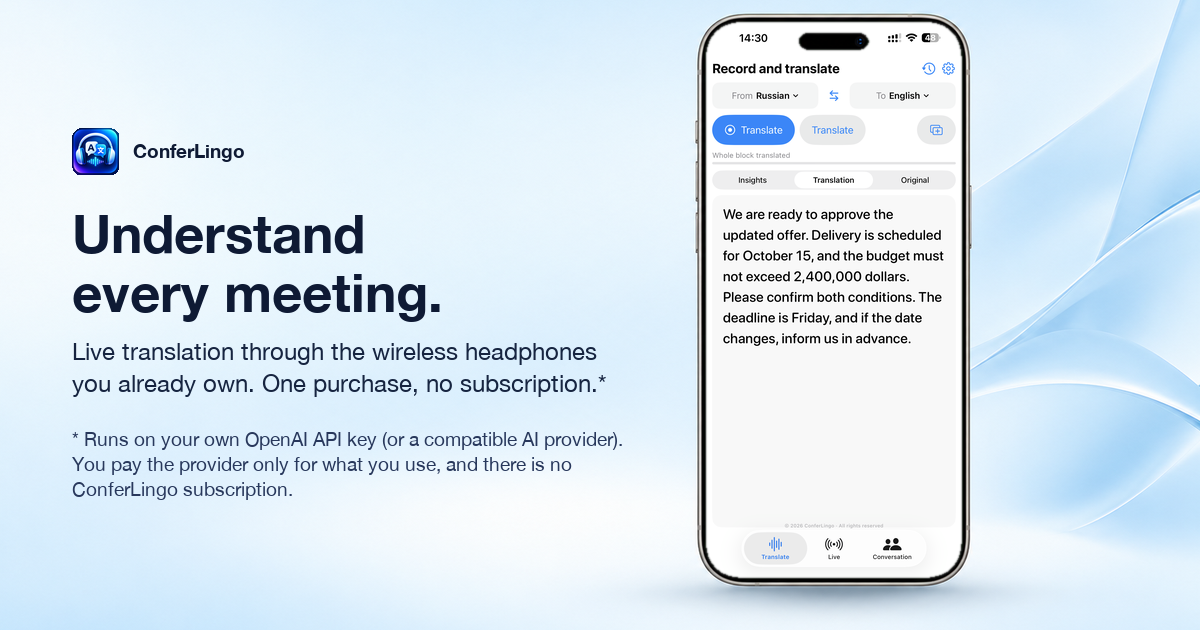
Live business translation through the iPhone or Mac and wireless headphones you already own. No conference bot. No proprietary headset. No subscription.
Download on the App StoreOne purchase covers iPhone and Mac. The Mac version also captures meeting audio from Zoom, Teams and other apps.
Three ways to translate
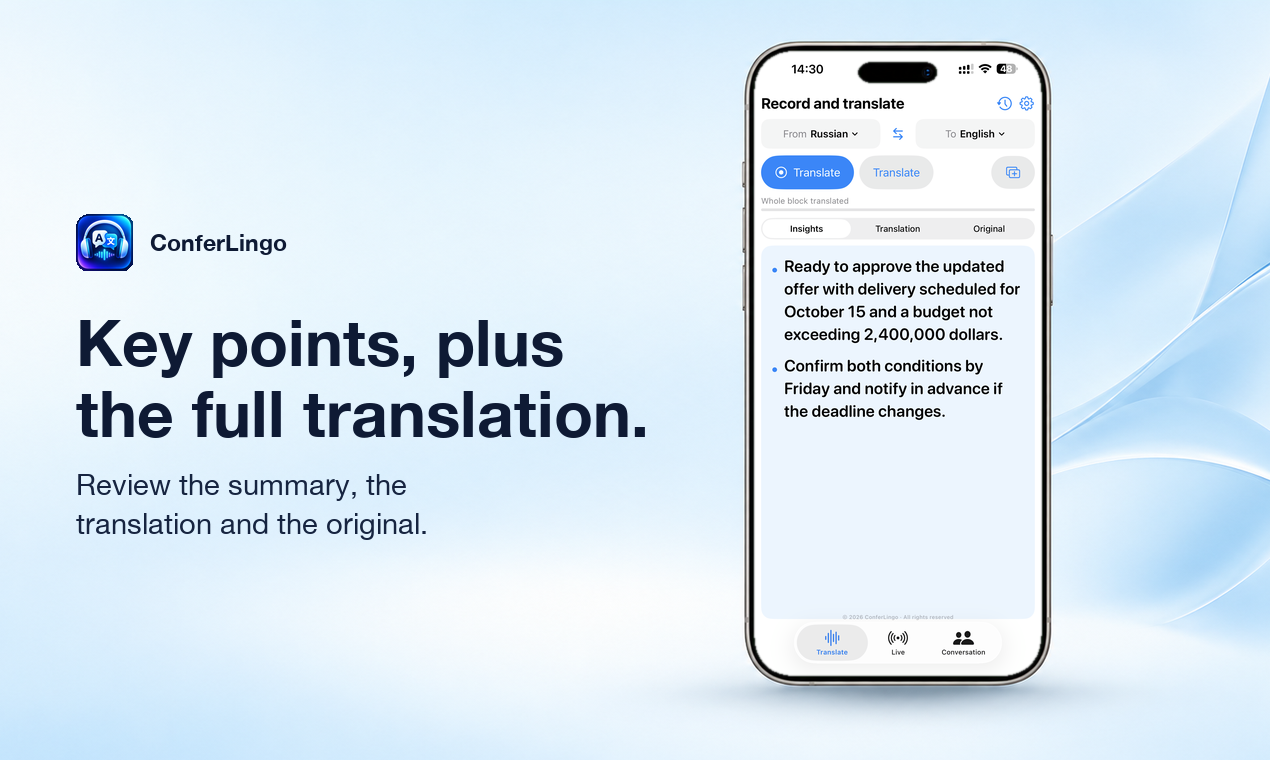
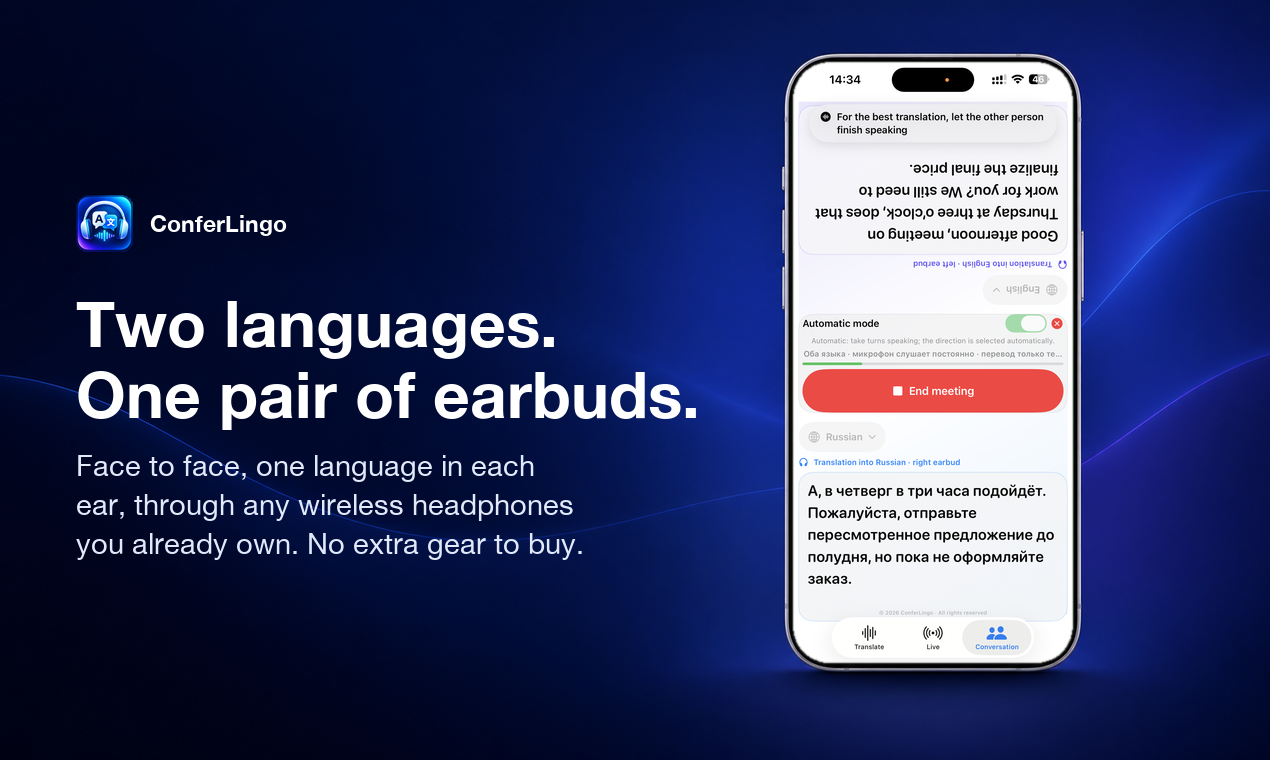
Block: record, then translate the whole thing with key points. Live: continuous translation. Conversation: two languages face to face, each person hears their own.
Ordinary AirPods
Hear Live translation through AirPods or another standard Bluetooth headset. Text works without headphones.
Your terminology
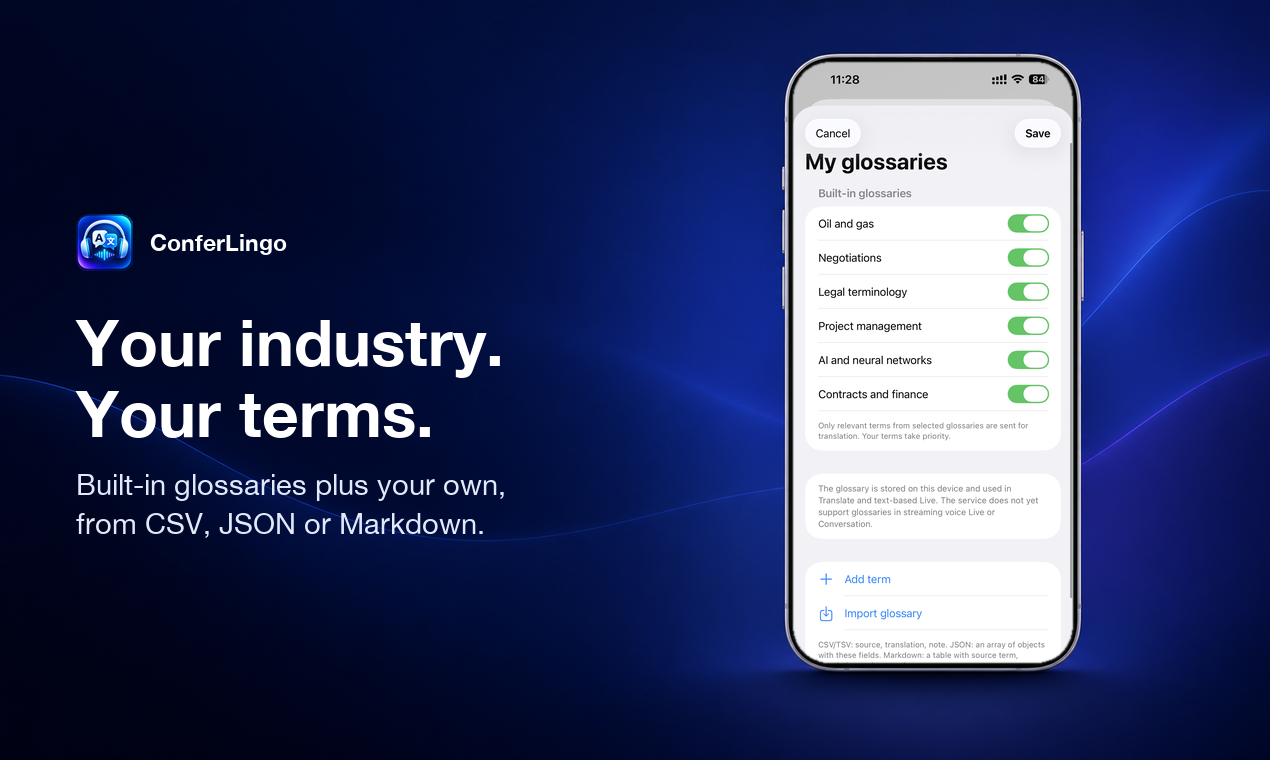
Built-in oil & gas, EPC, legal, finance, project and AI glossaries, plus your own terms imported from CSV, JSON or Markdown.
Nothing gets dropped
When you stop, ConferLingo finishes the captured phrase and the queued audio instead of cutting off the ending.
Your key, your data path
There is no ConferLingo server and no account. You add your own OpenAI API key (stored in the Apple Keychain) and audio and text go from your device to OpenAI. The app is a one-time purchase; OpenAI bills API usage to you directly. A built-in demo works without a key.
Built for real negotiations
Instructions prioritise numbers, amounts, dates, conditions, questions, uncertainty and negations. Machine translation can contain errors: verify high-impact information with a qualified human interpreter.
Local records, portable output
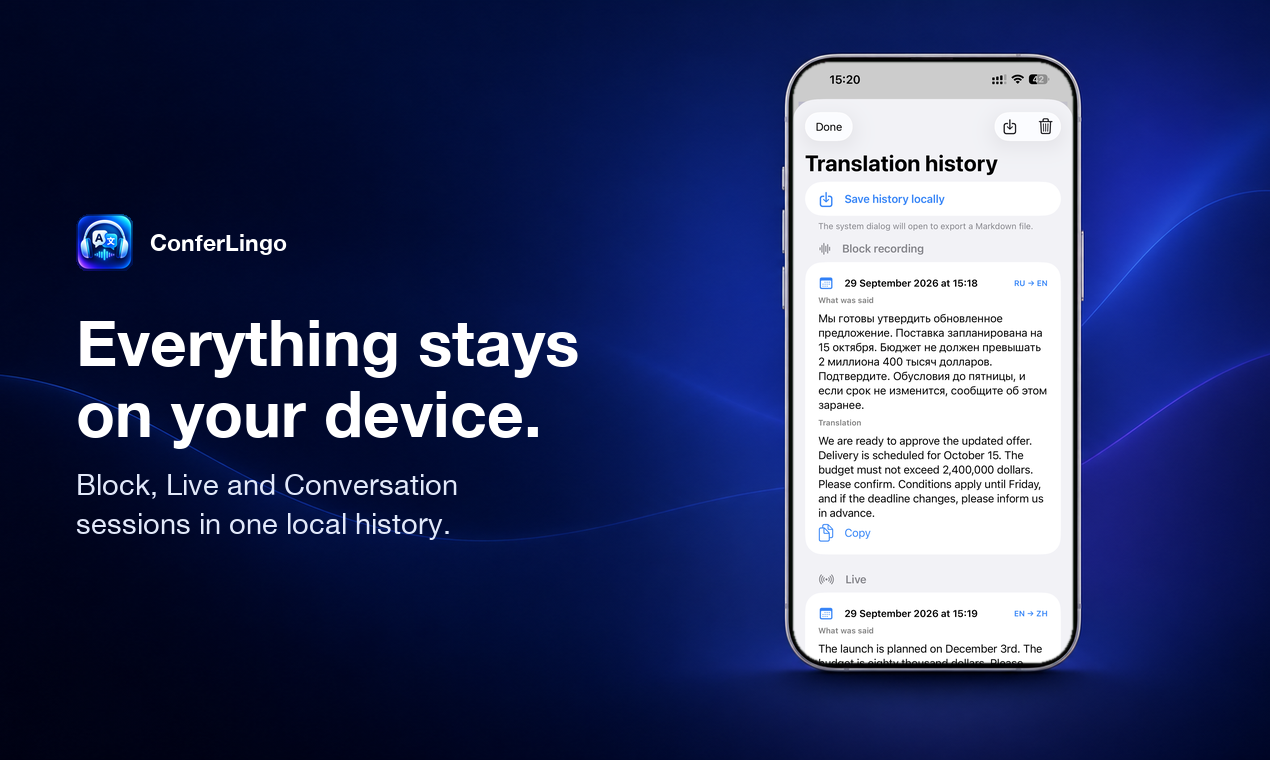
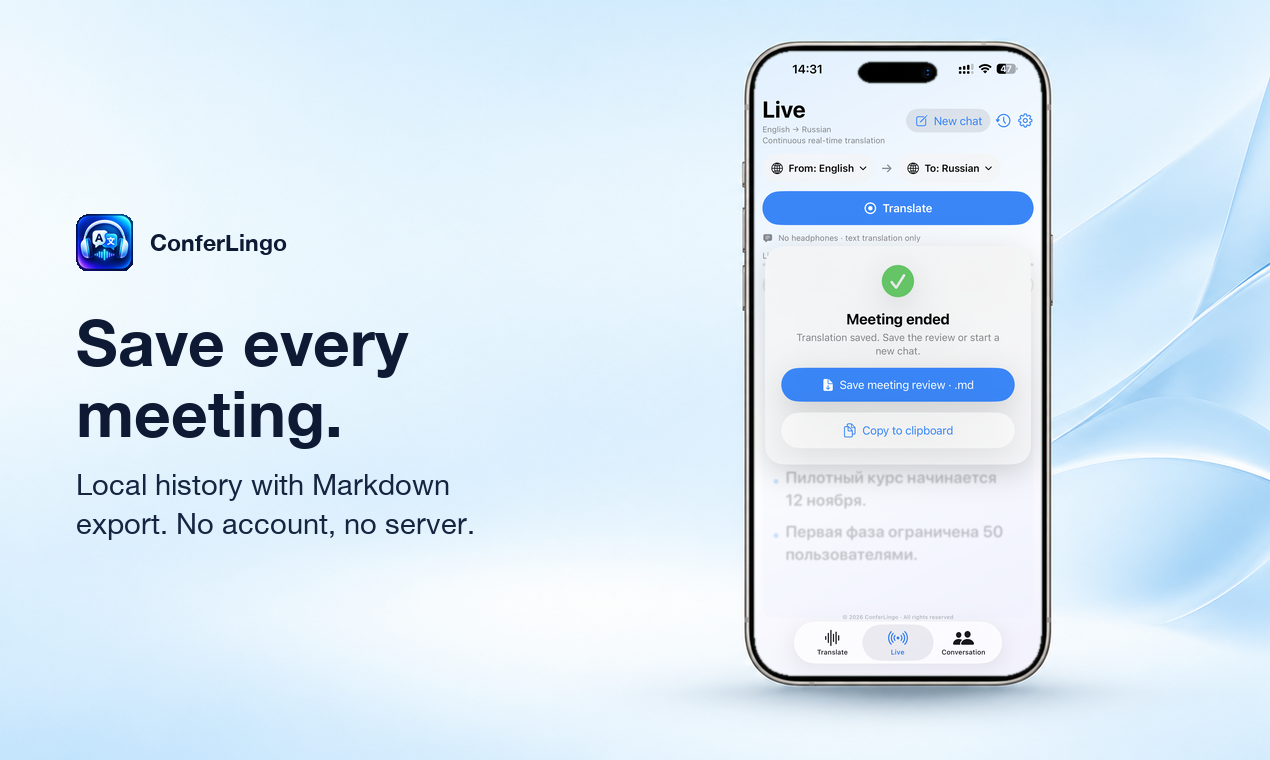
Every Block, Live and Conversation session is stored on your device. Copy any result or export the history as Markdown.
Good to know
- iPhone captures the microphone only; it does not capture phone calls or audio from other apps. The Mac version also captures system audio.
- Spoken Live output needs connected headphones.
- Internet connection and an OpenAI API key with billing are required for translation. A ChatGPT subscription is not an API key.